Plan
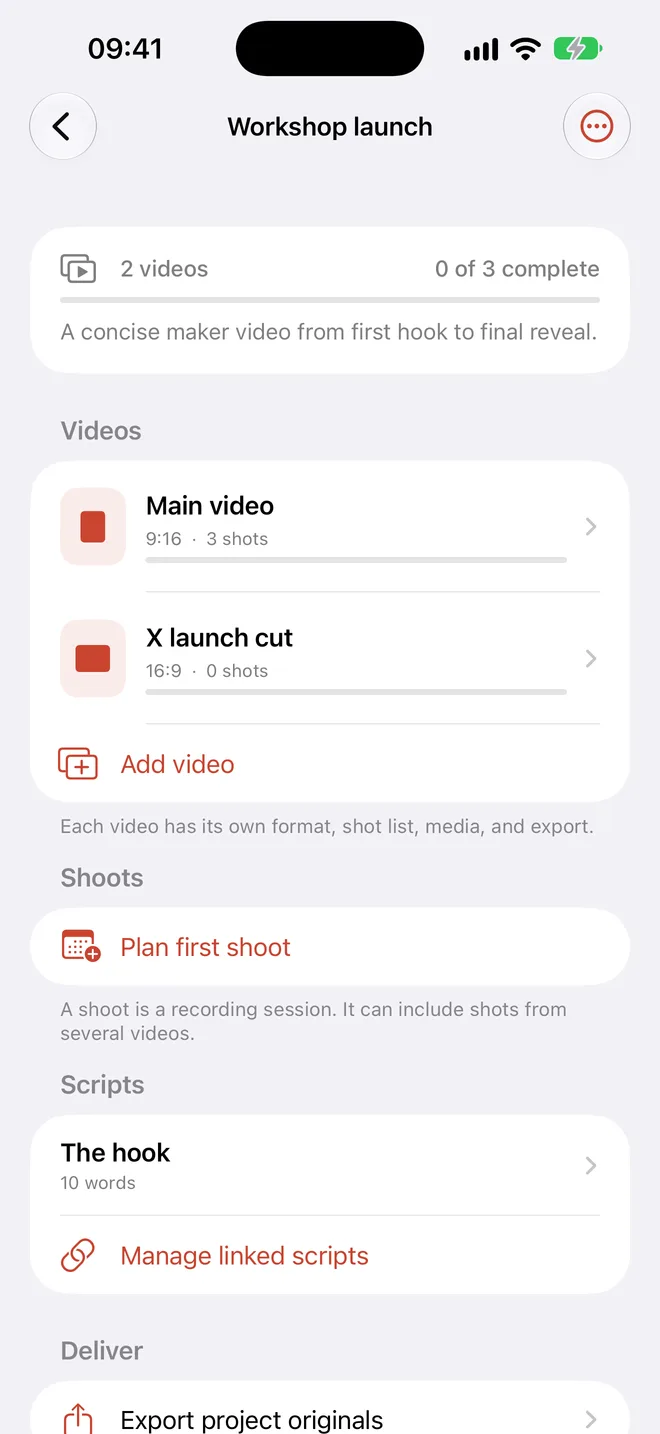
Add shots yourself, import an open plan, or ask Apple’s on-device model for a starting point.
 Join testing
Plan what to film, keep every take linked to its shot, and hand off untouched originals without losing the story.

The hookTalking head · Best take
✓Open the boxB-roll · 3 takes
●Build detailsClose-up · Not started
○Final revealPush in · Not started
○

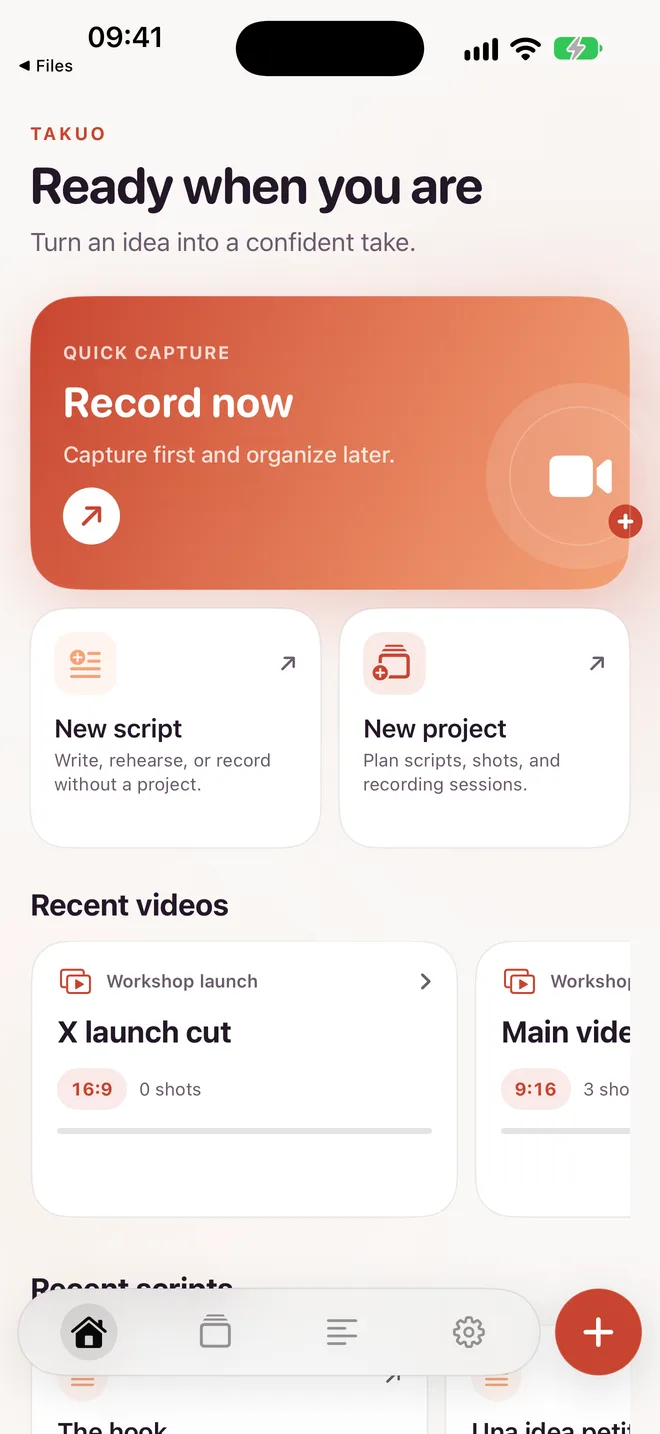
Takuo keeps the plan, camera, teleprompter, takes, and export in one local workspace.
Add shots yourself, import an open plan, or ask Apple’s on-device model for a starting point.
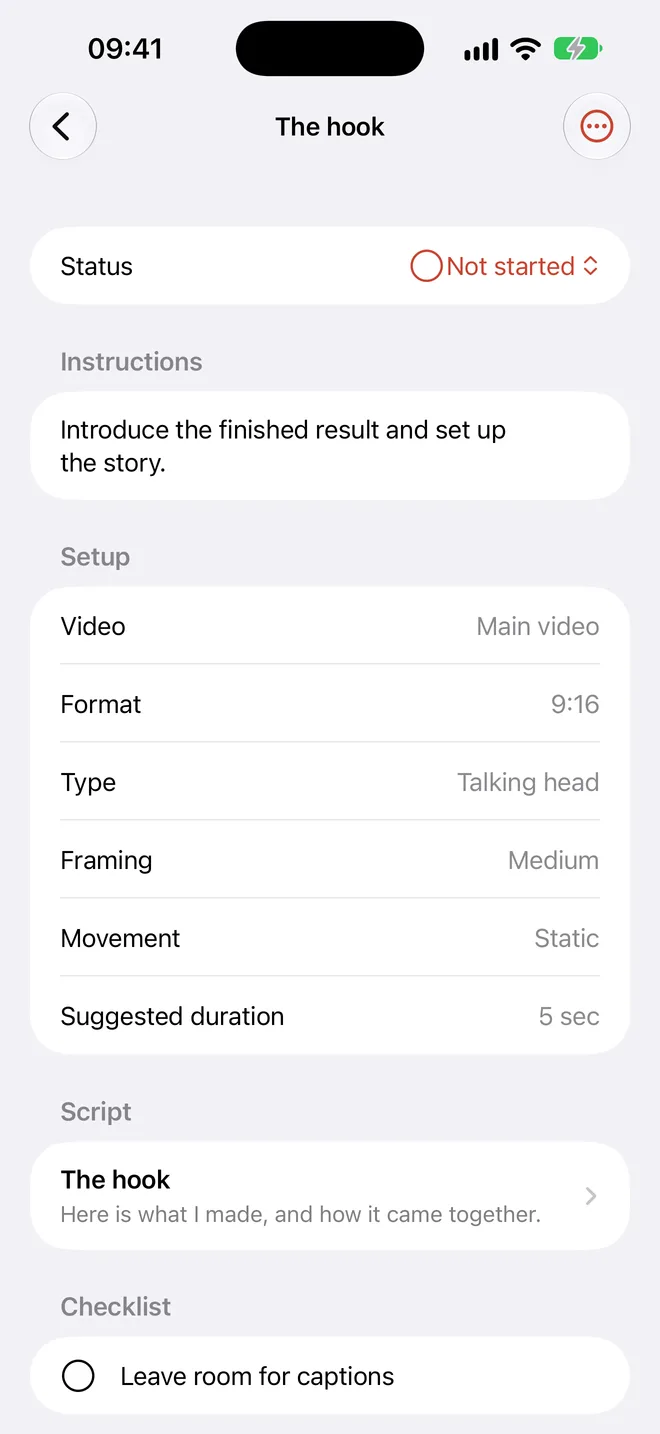
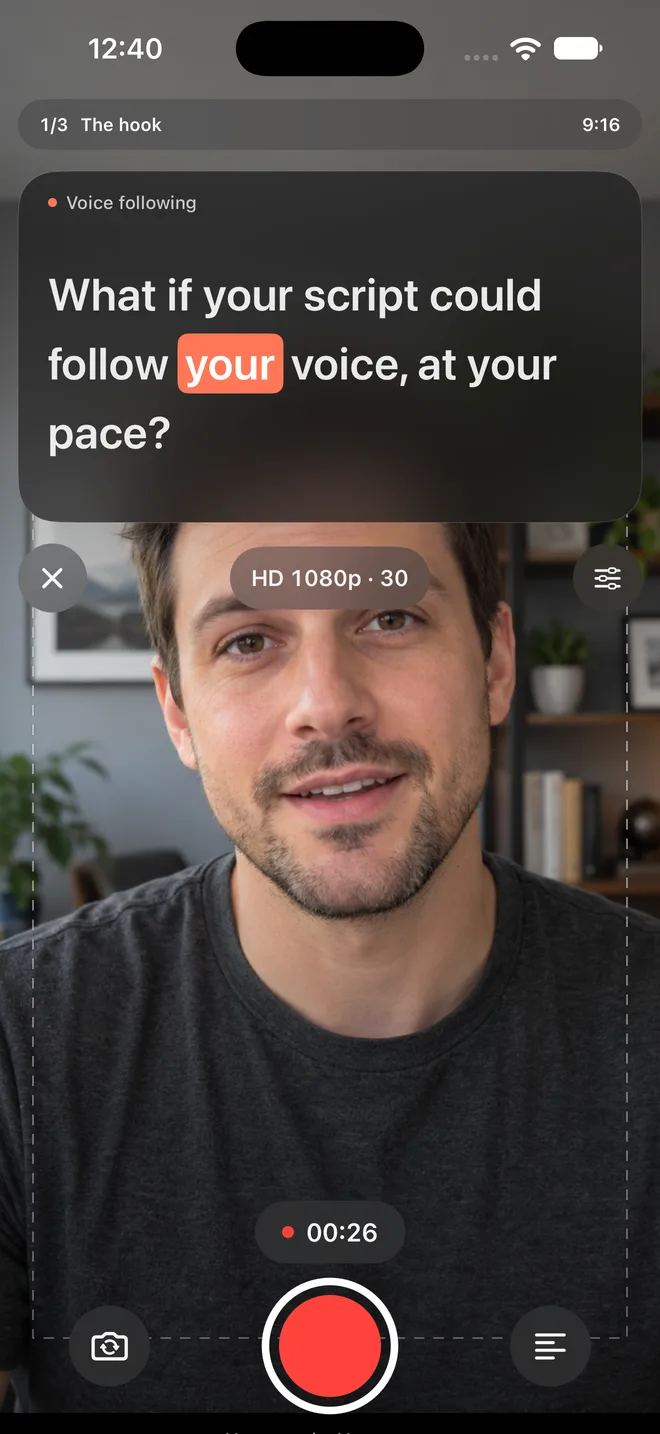
See the shot, frame, movement, checklist, and optional script right beside the camera.
Record multiple takes. Mark one preferred without replacing or deleting the rest.
Send a clean folder or ZIP with untouched files, a manifest, and a CSV shot list.
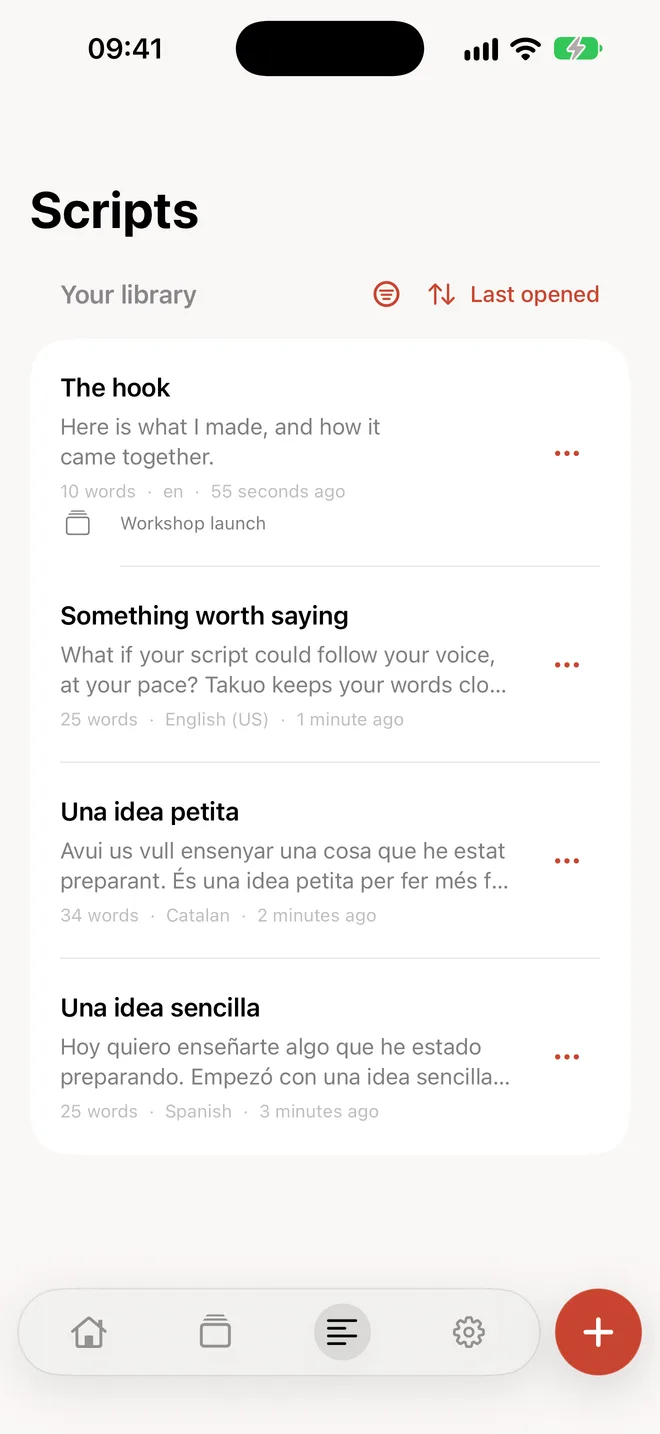
Real Takuo screens, captured from the current app.
Shot status is separate from recorded media. Finish when you decide—not when the first clip appears.
Spontaneous clips land safely in Inbox and can be assigned to any project or shot afterward.
Voice, sound-gated, timed, and manual modes stay available for talking-head shots and standalone scripts.
Make the plan, then look at the lens and tell the story.
Untouched original + optional captionsDescribe the video you want to make and ask any AI assistant for a .takuo.json file. Takuo validates every field and shows a preview before creating the project.
Copies a ready-to-paste prompt for any AI assistant.
shooting-plan · v1Turn this idea into a Takuo shooting plan. Return one valid .takuo.json file using the published schema.
Projects, scripts, plans, and recordings stay in Takuo’s private storage. There is no account, ad SDK, tracking, or developer-operated AI service.

Takuo is in testing. Ask for a TestFlight invitation.
Join testing